
Learn how to deploy smart sensors effectively in six key stages. Optimize asset performance and avoid costly issues with our practical 2026 guide.

How to Deploy Smart Sensors: A Practical 2026 Guide

How to deploy smart sensors effectively
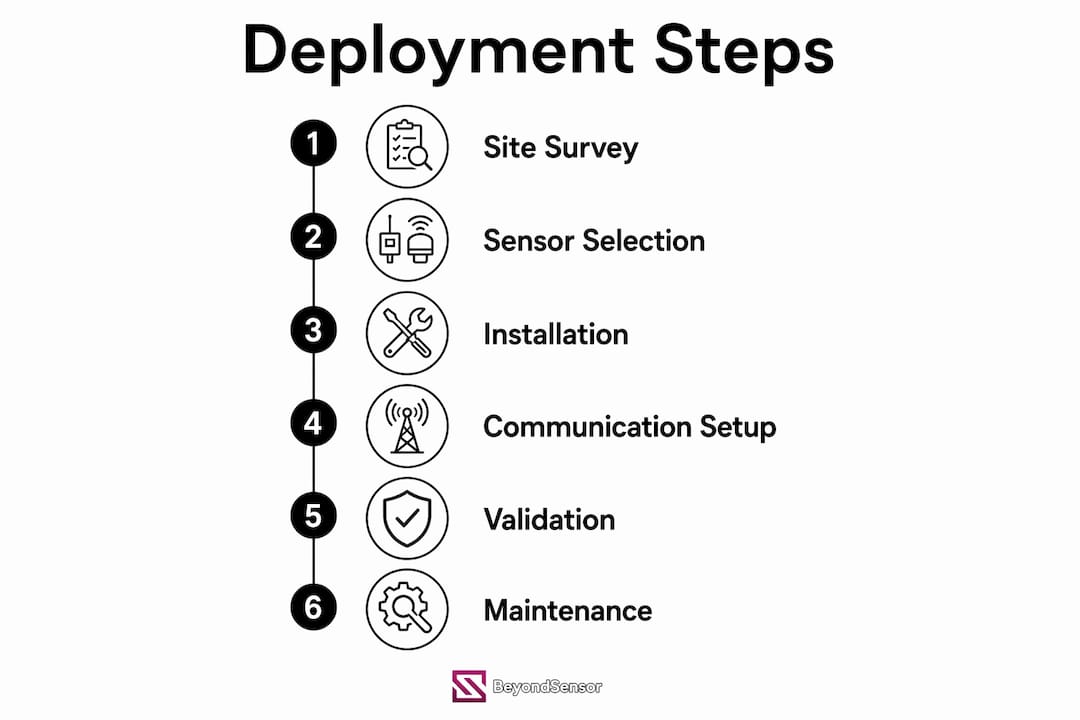
Deploying smart sensors successfully comes down to six core stages: site survey, sensor selection, communication protocol choice, physical installation, calibration, and commissioning. Skip or rush any one of them and you will spend months fixing problems that a disciplined pre-deployment process would have prevented entirely.
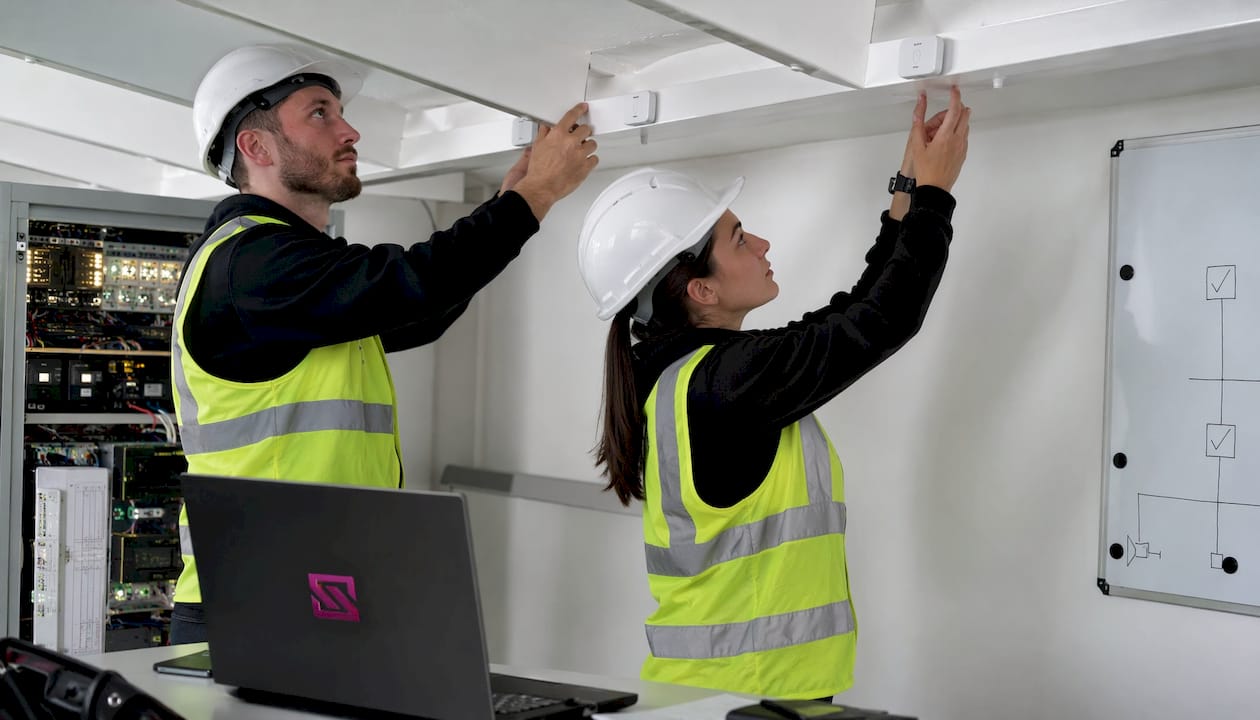
The sequence matters as much as the steps themselves. Start with your failure modes and asset criticality, not your hardware catalog. Failure mode based sensor selection means identifying the top assets by failure cost first, then matching sensor technology to each failure mode's position on the P-F curve. A pump's dominant failure may be cavitation, requiring pressure and vibration sensors, while a motor's primary risk is bearing wear, requiring vibration and current monitoring. That mapping drives every downstream decision.
Here is what a complete deployment requires at a glance:
- Site survey and coverage planning: Map the physical environment, identify RF obstructions, and validate communication range before purchasing hardware.
- Sensor selection: Match sensor type to the specific failure mode and environmental conditions of each asset.
- Protocol selection: Choose wireless or wired communication based on bandwidth, power constraints, and facility layout.
- Physical installation: Mount sensors at correct heights, avoid metal interference, and document every placement with photos.
- Calibration and acceptance testing: Validate data accuracy against reference instruments before going live.
- Commissioning and documentation: Record as-installed details, integrate with management systems, and define KPI thresholds.
Pro Tip: Budget 15–20% of your total deployment cost for a post-deployment validation phase. Real deployments fail from edge cases, not steady-state calculations.
Table of Contents
- What are the key considerations before deploying sensor technology?
- Wireless vs. wired systems: which communication protocol fits your deployment?
- How do you conduct a site survey and install sensors correctly?
- How should you manage sensor power and plan for maintenance?
- Why does documentation and commissioning determine long-term success?
- Key Takeaways
- Beyondsensor gives facility managers a faster path to production-grade sensor networks
What are the key considerations before deploying sensor technology?
Environmental conditions are the most underestimated factor in sensor deployment. Temperature extremes, humidity, electromagnetic interference from variable frequency drives (VFDs), and physical obstructions all degrade sensor performance in ways that a datasheet comparison will never reveal. Industrial plant floors are particularly unforgiving: deploying Wi-Fi sensors in a metal-dense factory without a prior RF site survey routinely produces 30–50% packet loss.
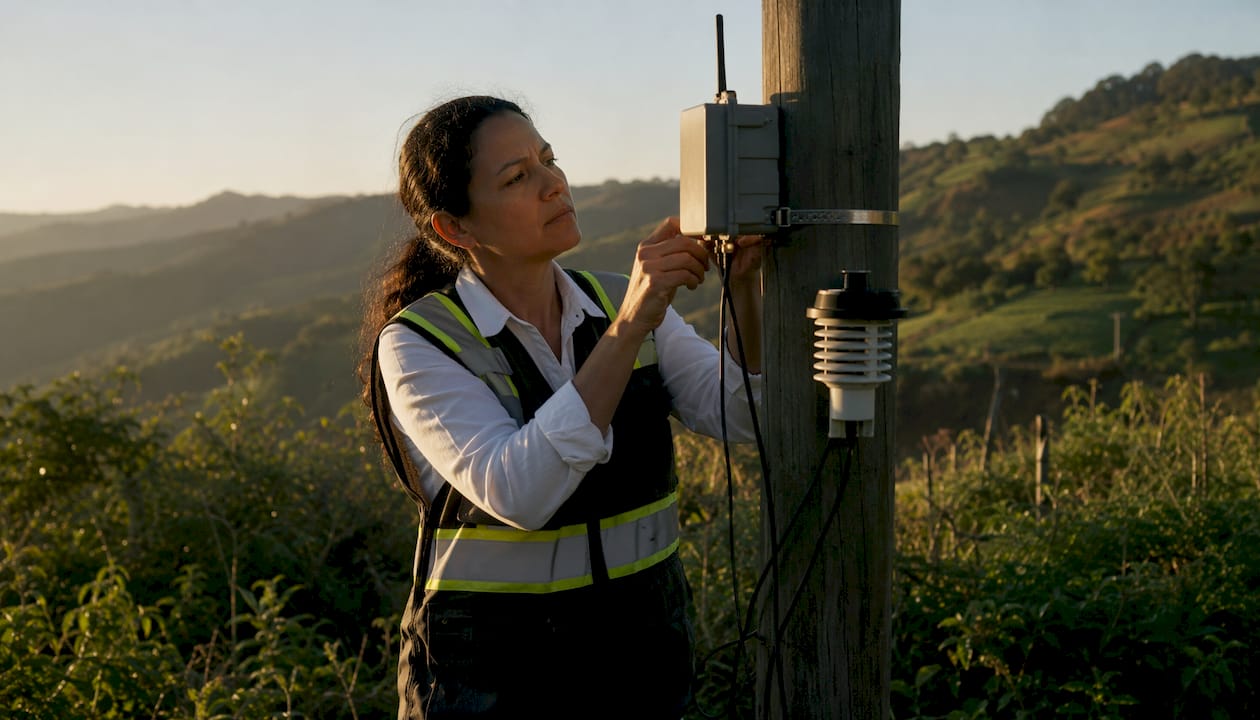
Beyond environment, interoperability with your existing systems is non-negotiable. Sensors that cannot speak to your Computerized Maintenance Management System (CMMS), SCADA platform, or building management system generate data that sits unused. Prioritize hardware and firmware that support open protocols such as MQTT, OPC UA, or Modbus so you are not locked into a single vendor's ecosystem.
Total cost of ownership extends well beyond device procurement. Network fees, installation labor, ongoing calibration, battery replacement, and firmware management all accumulate over a system's lifetime. Projects that budget only for hardware routinely stall when ongoing costs surface.
Key considerations to evaluate before committing to hardware:
- Environmental rating: Confirm IP65 minimum for outdoor or wash-down environments; IP68 for submersible applications.
- Manufacturer quality: Choose vendors with documented field validation, not just lab specifications.
- Security posture: Verify that devices support encrypted communications and firmware signing to protect data integrity.
- Sensor integration strategies: Align hardware choices with your broader integration architecture to avoid costly retrofits.
- Scalability: Confirm that your gateway and network architecture can absorb additional nodes without redesign.
Wireless vs. wired systems: which communication protocol fits your deployment?
Wired sensors, typically 4-20mA analog loops or industrial Ethernet, remain the right choice for safety-critical assets where reliability is paramount and power is available. A gas detection system in a chemical plant, for example, cannot tolerate the latency or packet loss risk that even a well-designed wireless network introduces. For everything else, wireless offers faster deployment, lower cabling cost, and far greater flexibility when assets are spread across large areas.
Protocol selection should be driven by real-world conditions, not marketing claims. The four protocols you will encounter most often in industrial and facility deployments each occupy a distinct niche:
- LoRaWAN: Best for large-area, low-data-rate deployments where battery life is critical. A single gateway covers kilometers outdoors. A 500-node agricultural deployment using LoRaWAN needs only 1–2 gateways versus roughly 200 Wi-Fi access points for the same coverage area.
- Wi-Fi 6: Suited for high-bandwidth sensors near existing access point infrastructure, such as vibration waveform sensors that generate 40–200 MB per day per node.
- Bluetooth Mesh: Works well for dense indoor sensor clusters with moderate data needs and existing BLE infrastructure.
- Zigbee / ISA100.11a / WirelessHART: Purpose-built for industrial mesh networks where sub-second latency and mesh redundancy matter. Zigbee mesh can achieve sub-20ms latency in a factory environment, meeting the requirements of most real-time alert systems.
Pro Tip: If your deployment area exceeds 100 meters in any dimension and nodes are battery-powered, use an LPWAN protocol like LoRaWAN rather than Wi-Fi. The higher per-node hardware cost is dwarfed by gateway infrastructure savings.
Coverage optimization follows a straightforward rule: communication range should be at least twice the sensing range. Violate that ratio and you will have sensing coverage without reliable data delivery, which is worse than no coverage at all because it creates false confidence.
Power architecture also shapes protocol choice. Battery-powered nodes running LoRaWAN at a 1% duty cycle can achieve 5–10 years of battery life on a D-cell. Wi-Fi nodes at the same reporting frequency drain batteries in weeks. For facility safety monitoring, where continuous uptime is the baseline expectation, mains-powered sensors with redundant gateways eliminate battery failure as a risk entirely.
How do you conduct a site survey and install sensors correctly?
A physical radio site survey is the single step that separates deployments that work from those that require expensive post-installation fixes. Using Field Test Devices (FTDs) to walk the facility and map actual signal strength prevents coverage holes that theoretical RF models miss entirely. Industrial environments have metal structures, moving equipment, and interference sources that no floor plan captures.
Pre-deployment preparation
- Define deployment locations with map coordinates, mounting asset type, and required height above ground for each sensor point.
- Conduct an RF site survey using FTDs to validate communication range and identify dead zones before purchasing gateways.
- Prepare installation documentation including annotated site photos, mounting schematics, and a parts checklist for each location.
- Complete acceptance testing on sample hardware in the target environment, verifying power consumption, communication range, and data output before full procurement.
Installation best practices
Sensor height and orientation directly affect data quality. Vibration sensors mounted on a bearing housing must be positioned along the primary vibration axis. Temperature sensors placed near heat sources or HVAC vents will read ambient conditions, not asset temperature. Mount sensors away from large metal surfaces where possible, since metal reflects and absorbs RF signals, degrading wireless range.
Random sensor placement costs less upfront but requires 30–40% more nodes than a planned grid-based deployment for equivalent coverage. For most facility deployments, a structured placement plan pays for itself quickly in reduced hardware spend.
- Install sensors with trained crews. Each node should report to your monitoring dashboard within five minutes of installation. Fix connectivity issues immediately rather than deferring them.
- Photograph every installed device showing the mounting position, surrounding environment, and any deviation from the planned installation instructions.
- Record as-installed metadata including date, time, height, orientation, and any deviations from the original plan.
Pro Tip: Require installers to complete an as-installed metadata form on-site, not from memory later. Deviations from the plan, such as a sensor mounted 0.5 meters higher due to an obstruction, affect calibration and future maintenance.
High-density industrial deployments require gateways sized for peak concurrent data throughput plus 40% headroom. For clusters of 20–50 sensors, industrial gateways with x86 or ARM Cortex-A72 processors and 4 GB or more of RAM handle real-time analytics without bottlenecking the data pipeline.
How should you manage sensor power and plan for maintenance?
Battery life planning starts at the design stage, not after deployment. Duty cycling is the primary lever: a sensor awake 1% of the time (one second per 100 seconds) consumes a fraction of the power of a continuously active node. At a 1% duty cycle, nodes using D-cell batteries on LoRaWAN can operate 5–10 years without replacement. Increase reporting frequency and that figure drops sharply.
Power source options each carry trade-offs:
- Primary batteries (lithium): Best for remote or hard-to-access locations. Plan replacement schedules based on projected duty cycle, not manufacturer maximums, since temperature extremes reduce capacity.
- Energy harvesting (solar, vibration): Viable for outdoor or high-vibration environments, but requires a backup buffer battery for periods of low energy input.
- Mains power: The right choice for safety-critical or high-frequency reporting applications where battery failure is unacceptable.
Maintenance is not a reactive task. A structured schedule prevents the silent failures that erode network reliability over time. The KPI framework that governs maintenance actions is straightforward: packet delivery ratio above 95%, network coverage above 90%, average energy remaining above 30%, data latency below one hour, and node uptime above 99%. Each threshold has a defined response. Energy remaining below 20% triggers a battery swap schedule. Node uptime below 95% triggers a physical inspection.
A practical maintenance cadence looks like this:
- Daily: Automated health checks on heartbeats and battery voltage.
- Weekly: Data quality audits to catch sensor drift and outliers.
- Monthly: Coverage analysis to identify dead zones.
- Quarterly: Physical inspection of a 10% random sample of nodes.
- Annually: Full network calibration and battery replacement for nodes showing low charge.
Firmware updates deserve their own schedule. Over-the-air (OTA) update capability with rollback support is a hardware requirement, not a nice feature. Nodes that cannot be updated remotely become security liabilities and operational bottlenecks as your network scales.
Why does documentation and commissioning determine long-term success?
Commissioning is the formal handoff from installation to operations, and it is where most teams cut corners. As-installed documentation with photos and exact placement details is not administrative overhead. It is the foundation for every maintenance action, troubleshooting call, and network expansion over the system's lifetime. A technician replacing a failed node two years after installation needs to know the original mounting height, orientation, and configuration without guessing.
The commissioning process should include:
- Functional validation: Confirm every node is reporting correctly and data values are within expected ranges.
- Shadow mode testing: Run the system in parallel with existing processes for two to four weeks before automating workflows. This validates alert accuracy against actual events and prevents alert fatigue from misconfigured thresholds.
- CMMS integration: Connect sensor alerts to your maintenance management system so that anomaly detection generates structured work orders automatically, including asset ID, fault type, severity score, and recommended action.
- KPI threshold definition: Set action thresholds for each KPI before go-live, not after the first incident.
For structured as-built records, compile a master metadata spreadsheet that captures every device's network ID, physical location, mounting details, configuration parameters, and calibration history. Publish this internally at commissioning and update it with every change. Teams that maintain this discipline report dramatically faster troubleshooting and lower labor costs during network expansions.
Digital tools for remote monitoring, OTA firmware management, and fleet scaling should be selected before commissioning, not retrofitted afterward. Platforms that integrate with your existing CMMS via OPC UA, MQTT Sparkplug B, or REST APIs eliminate manual data transfer and keep your security system KPIs visible in a single operational view. The intelligent sensing deployment guide from Beyondsensor covers how these integration layers connect in practice for security-focused deployments.
Key Takeaways
Successful smart sensor deployment requires planned placement, protocol selection grounded in real site conditions, and disciplined commissioning documentation from day one.
| Point | Details |
|---|---|
| Start with failure modes | Map asset criticality and failure modes before selecting any sensor hardware. |
| Plan your grid, not random placement | Random deployment requires 30–40% more nodes than grid-based placement for equal coverage. |
| Match protocol to environment | LoRaWAN suits large-area low-power deployments; Wi-Fi 6 fits high-bandwidth sensors near existing infrastructure. |
| Document everything at commissioning | As-installed photos and metadata records are the foundation for all future maintenance and troubleshooting. |
| Beyondsensor for deployment support | Beyondsensor provides hardware-software solutions and ecosystem tools for facility managers deploying sensor networks at scale. |
Beyondsensor gives facility managers a faster path to production-grade sensor networks
Most sensor deployments stall not because the hardware fails, but because the integration layer between sensors, gateways, and operational systems was never properly designed. Beyondsensor addresses exactly that gap. The platform combines high-precision sensing hardware with the software infrastructure and ecosystem matchmaking that facility managers and system integrators need to move from pilot to full production without rebuilding the architecture at each stage.

For technical practitioners deploying IoT sensors across industrial, infrastructure, or physical security environments, Beyondsensor's sensor tools and utilities provide pre-validated configurations that reduce the site survey and commissioning cycle significantly. The platform supports open protocols including MQTT and OPC UA, so your sensor data flows directly into existing CMMS and security management systems without custom middleware. Facility managers can also explore the end-user solutions to see how Beyondsensor's architecture fits their specific operational context. Request a consultation to get a deployment plan matched to your facility's asset inventory and coverage requirements.
Recommended
- Sensor Deployment Guide for Security Professionals 2026 | News | BeyondSensor
- Intelligent sensing deployment process: A guide for tech leaders | News | BeyondSensor
- Top sensor security tips for safety & compliance 2026 | News | BeyondSensor
- Emerging Smart Sensor Applications for Industry in 2026 | News | BeyondSensor
Read More Articles
RTSP Security Risks: Integrators Must Block Exposed Ports 554 and 8554
See how integrators can reduce RTSP security risks: close exposed ports 554 and 8554, secure camera access, and verify each deployment with practical checks.

Require MAEpp and X Accuracy Before You Buy People Counting Systems
Verify people counting accuracy by demanding MAEpp, X Accuracy, and directional-bias reports. Validate on-site with at least 100 events per direction...
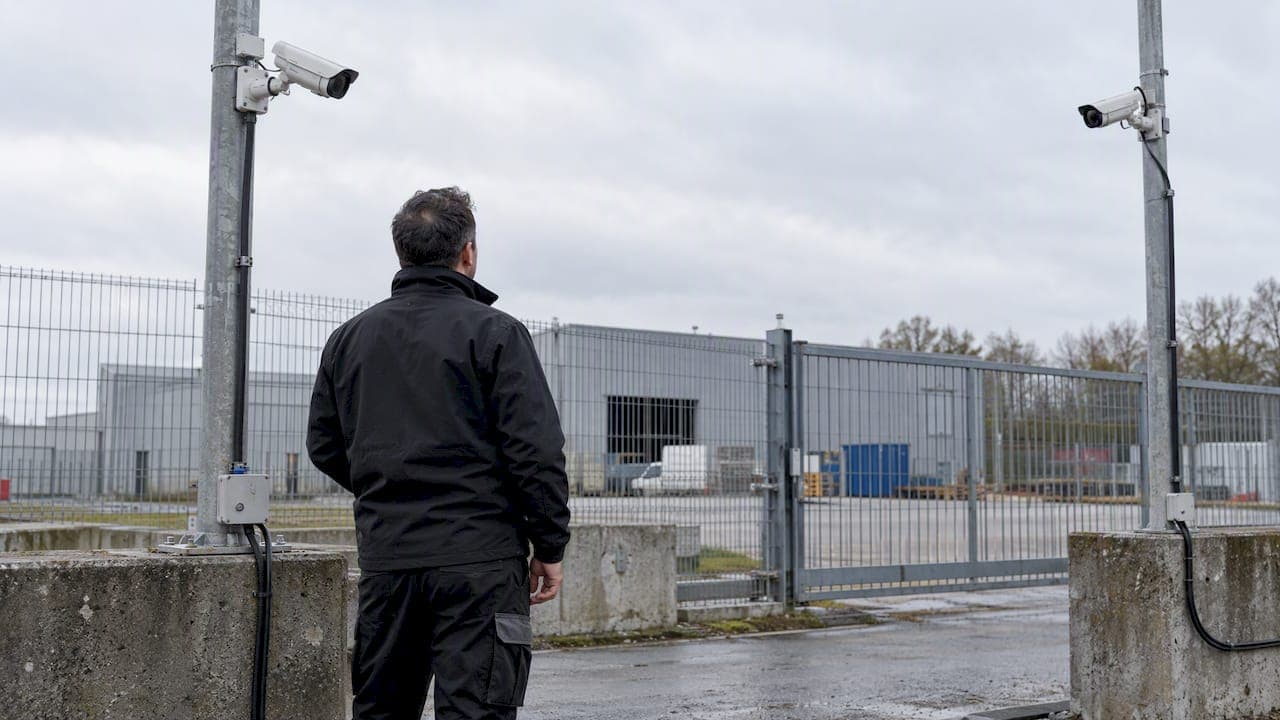
30–90 Day Pilot Validates Redundant Camera Networks for Engineers
Standards led, practical steps for engineers to deploy redundant camera networks: MRP, dual homing, and aggregation patterns, commissioning checks, and...
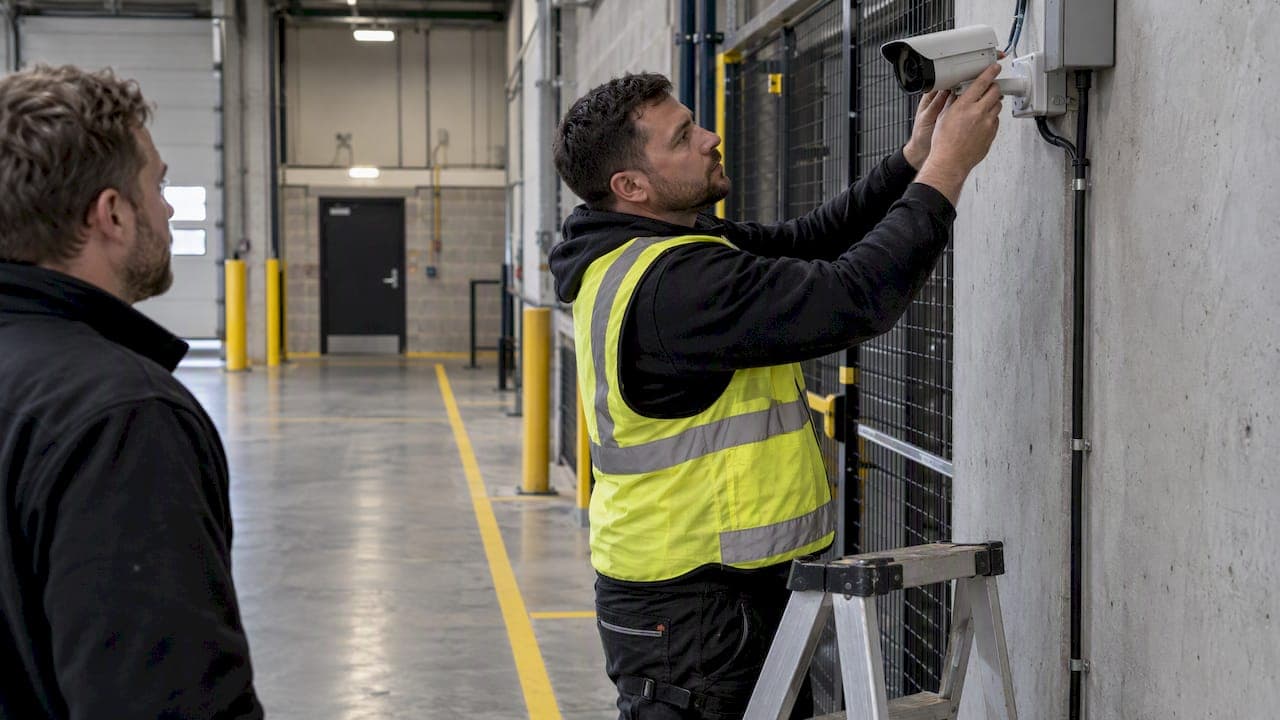
30 Day Pilot Proves Video Analytics Accuracy for Security Teams
Validate video analytics accuracy with scenario tests, camera tuning, transfer learning and a 30 day edge first pilot for security teams.
Let's Build YourSecurity Ecosystem.
Whether you're a System Integrator, Solution Provider, or an End-User looking for trusted advisory, our team is ready to help you navigate the BeyondSensor landscape.
Direct Advisory
Connect with our regional experts for tailored solutioning.